Portfolio MCP Gateway
Connect Claude and Codex to portfolio knowledge and controlled platform actions.
MCP playground
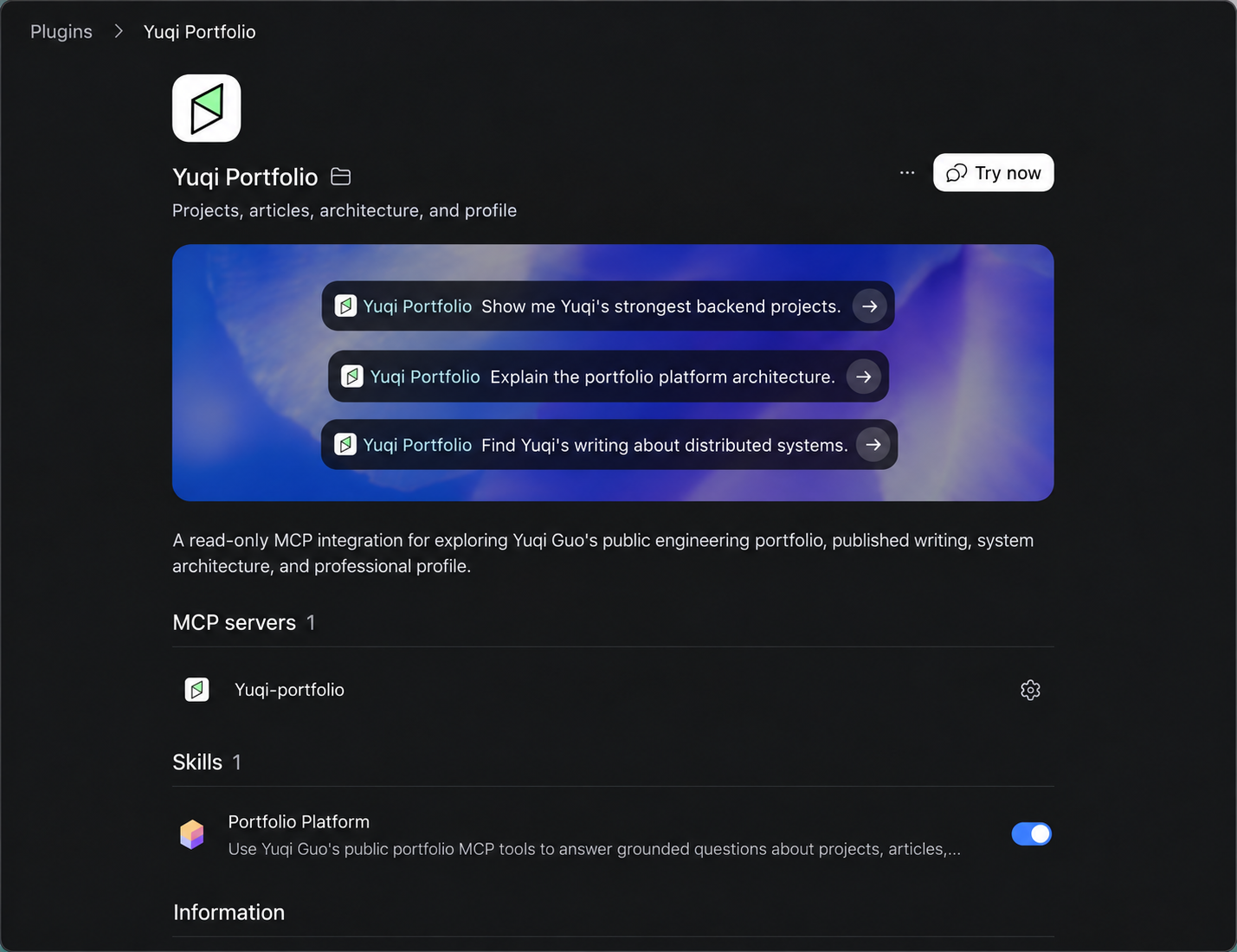
Explore the work. Ask your AI.
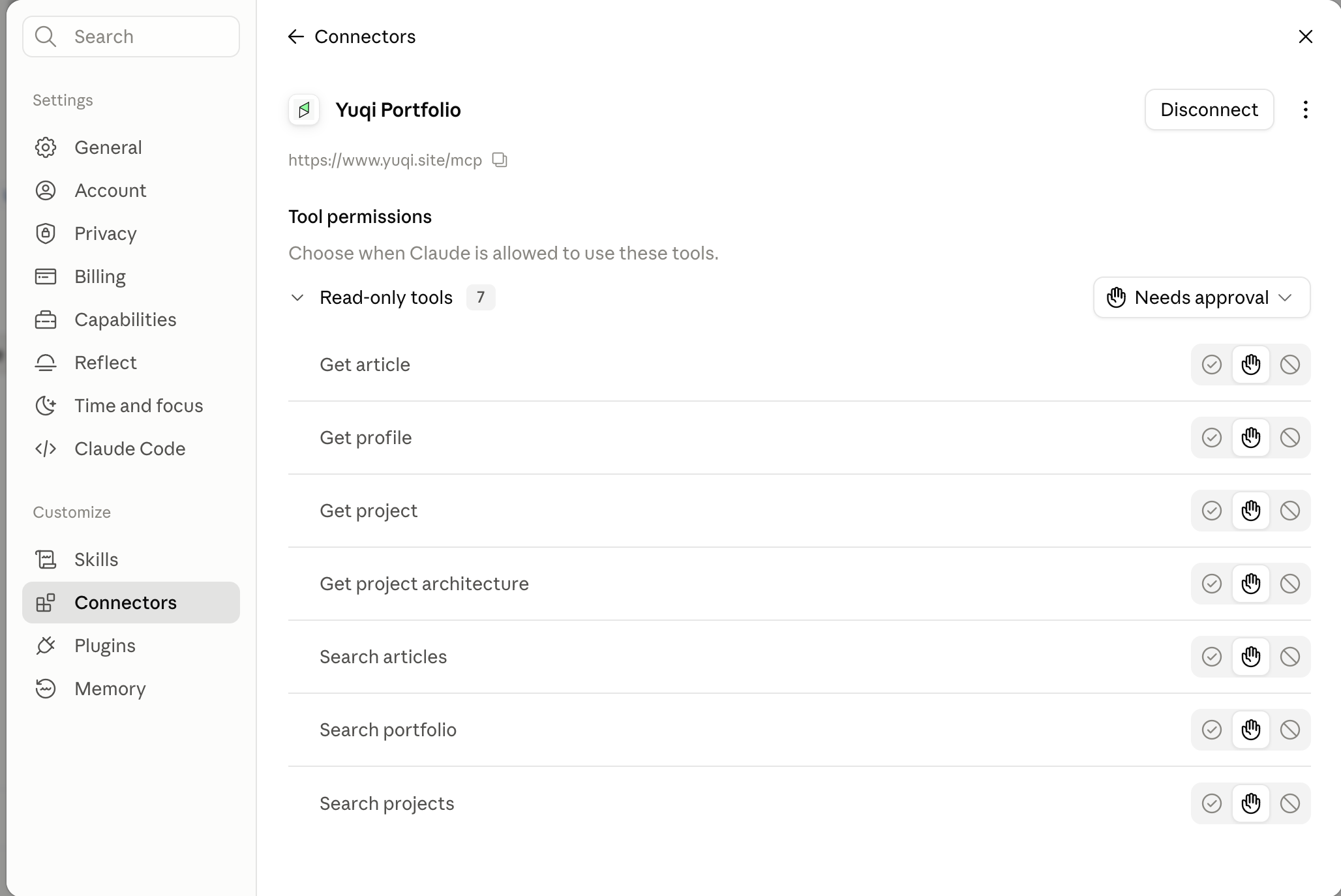
Find projects, articles, architecture, and professional background. Read-only. No portfolio login required.
https://www.yuqi.site/mcpTry asking: Which project demonstrates Yuqi's distributed-systems experience? Link the evidence.
Operate with permission.
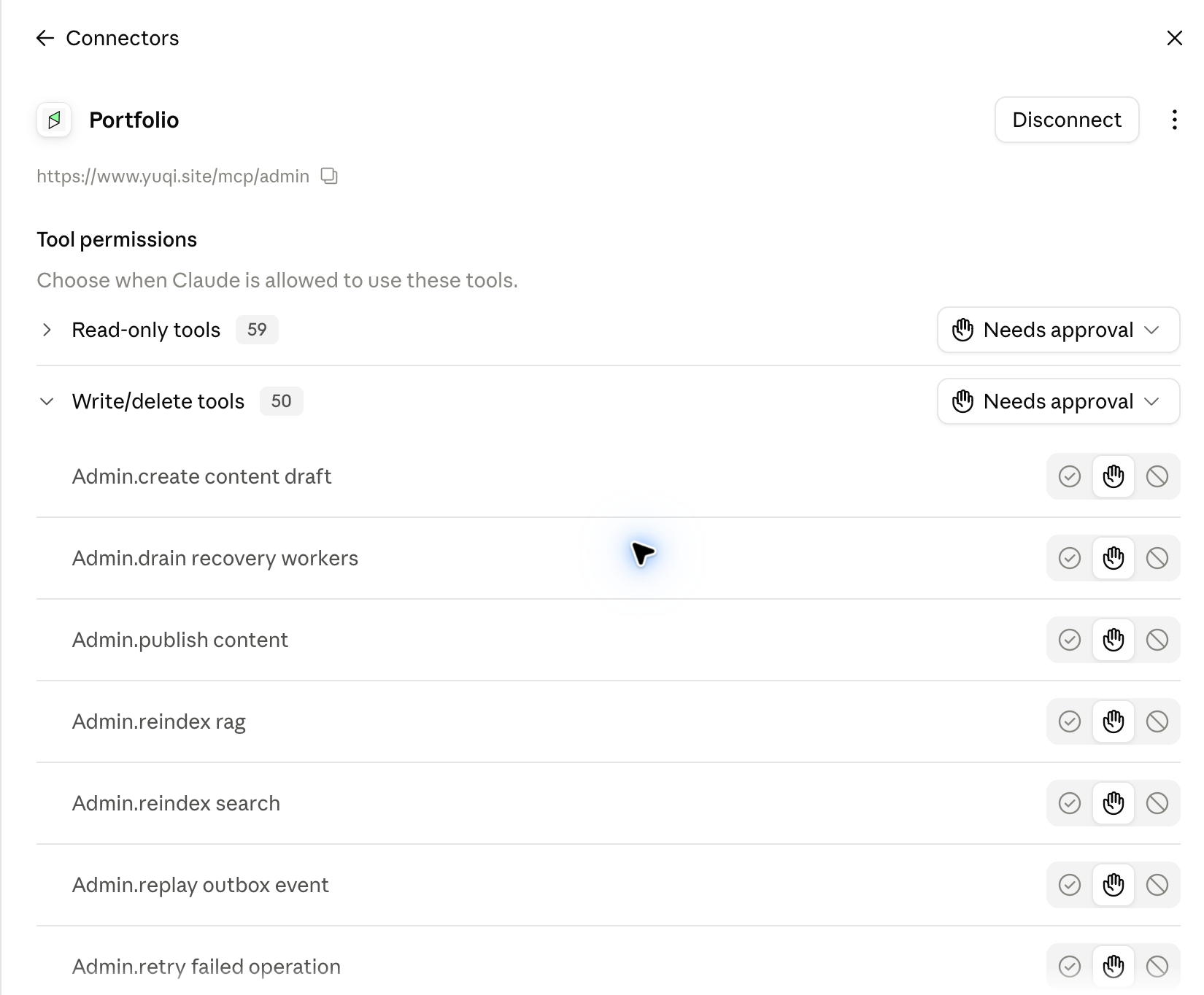
Inspect visitor activity, Chat Agent answers, and failed tasks. Manage content, knowledge, and alert rules through permitted tools.
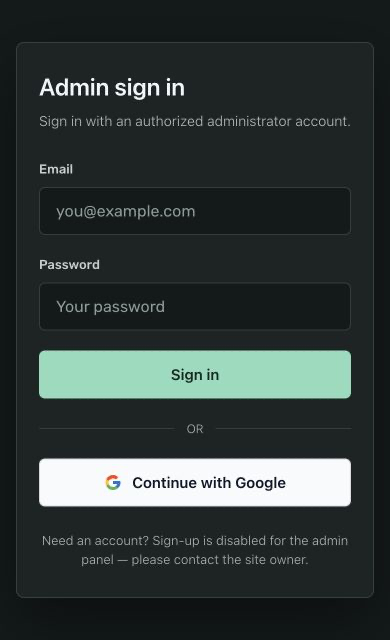
Authorized administrator login required. Signing in alone does not grant an admin role. Protected writes retain their approval requirements.
https://www.yuqi.site/mcp/admin- Add the admin endpoint.
- Sign in with an authorized account.
- Approve the connection in the consent screen.
Behind the gateway.
The Node.js edge connects AI clients. The Java gateway and backend services enforce permissions, track outcomes, and own business data.
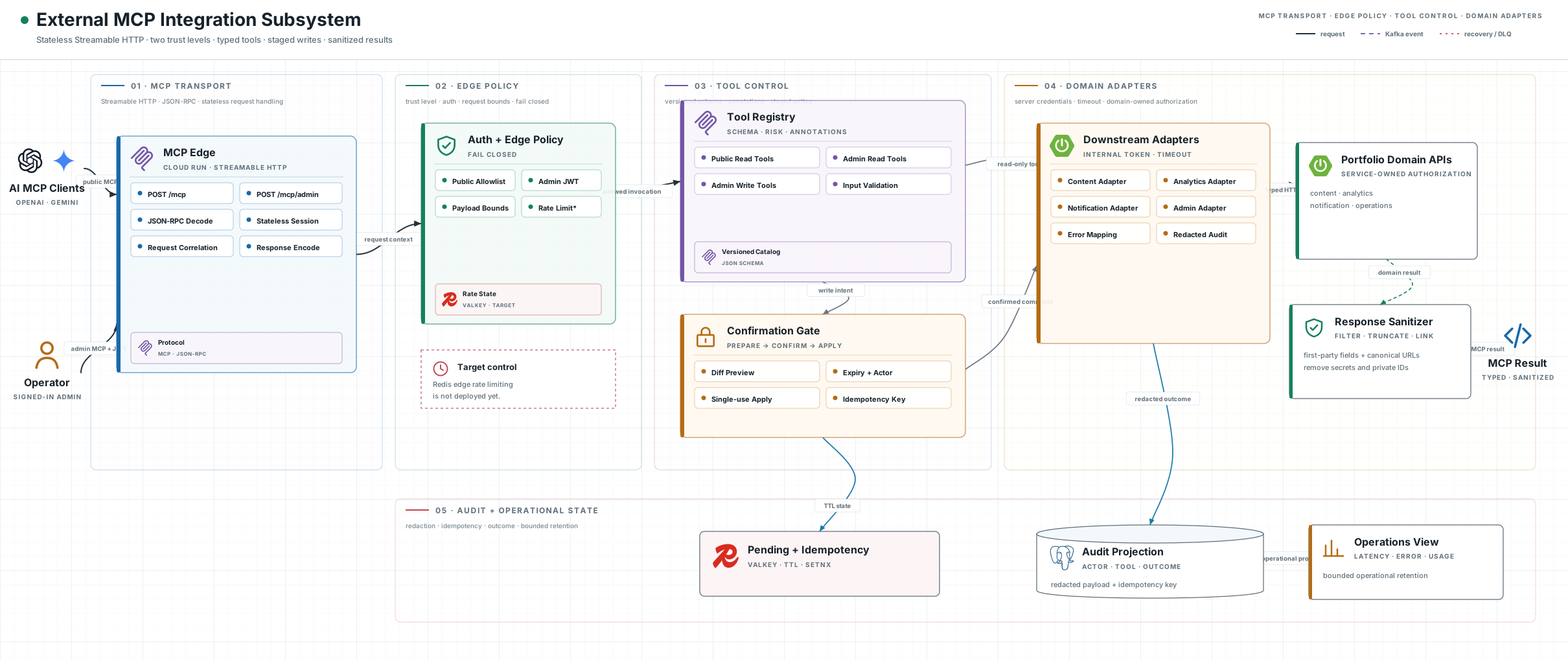
Designed for recoverability: validated requests, stable idempotency keys, persisted outcomes, and audit trails. Uncertain writes require reconciliation before retry.