

TalkNest - Real Time Chat Application Development - Demo
Objective: The project aims to develop a comprehensive chat application facilitating real-time messaging, video calls, and user management through a web interface.
Technologies Used:
- React.js: Utilized for building the user interface of the chat application and the integrated video calling feature.
- Simple-peer: A WebRTC library for peer-to-peer communication, enabling the core functionality of video and audio calls between users.
- Socket.IO: Facilitated real-time, bidirectional communication between web clients and servers, essential for signaling in video calls.
- Jest: A delightful JavaScript Testing Framework with a focus on simplicity, used for writing unit and integration tests.
- Cypress: A next-generation front-end testing tool built for the modern web, used for writing robust E2E tests.
- GitHub Actions: Employed for automating CI/CD workflows, including testing, building, and deploying the application.
Key Features:
- User Authentication: Supports user registration, login, and Google sign-in, ensuring secure access to the application.
- Real-Time Messaging: Utilizes Socket.io and Firestore Database (Firebase) for instant messaging between users, enhancing engagement and interaction.
- Video Calling: Integrates WebRTC through
simple-peerfor direct video and audio calls between users, with features for call initiation, acceptance, and termination. - User Search: Enables searching for users to initiate chats or calls, leveraging Firebase Firestore for efficient data retrieval.
- Profile Management: Allows users to create and update their profiles, maintaining a personalized experience.
Video Calling Feature Report Using WebRTC and Socket.io
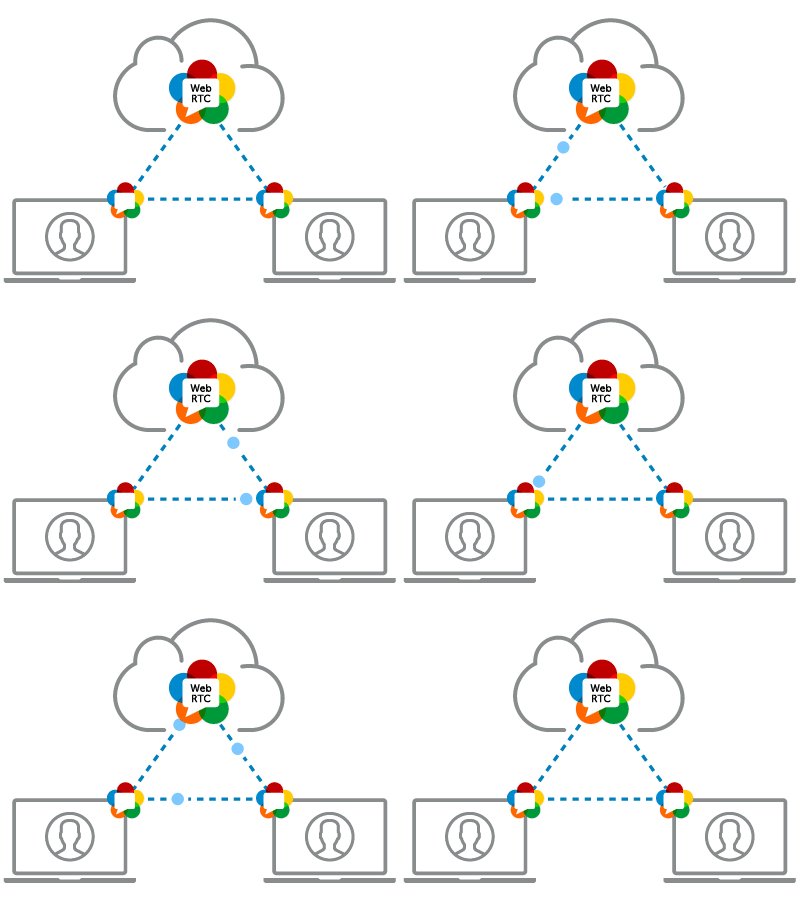
The video calling feature in the chat application is a sophisticated integration of WebRTC through simple-peer and real-time signaling with Socket.io. The provided code snippet showcases the server-side logic facilitating user registration, call initiation, and handling of call responses.
Key Implementation Details:
-
User Connection Management: Upon connection, users register with their unique
userId, which is stored alongside theirsocketId. This registration process is crucial for tracking online users and their availability for calls. -
Real-time Database Interaction: The server interacts with Firebase's real-time database to update user online status upon connection and removal upon disconnection. This ensures accurate tracking of user availability.
-
Call Initiation and Handling: The
callUserevent triggers the process of calling another user by sending a signal containing the caller's information and the WebRTC offer to the callee. The server plays a critical role in routing these signals between users based on theirsocketId, retrieved from the real-time database. -
Answering Calls: The
answerCallevent allows the callee to send an answer back to the caller, completing the signaling process necessary for establishing a peer-to-peer WebRTC connection.
CI/CD Workflow with GitHub Actions
A CI/CD pipeline was set up using GitHub Actions to automate the process of testing, building, and deploying the application. The workflow consists of the following steps:
-
Continuous Integration:
- Unit and Integration Testing: Upon every pull request or push to the main branch, Jest tests are automatically run to ensure the integrity of new changes. This includes testing the functionality of both the chat and video calling components independently and in integration.
- E2E Testing: Cypress is used to conduct E2E tests, simulating user interactions with the chat application and the video calling feature to ensure that the entire application behaves as expected from an end-user perspective.
-
Continuous Deployment:
- Build: If all tests pass, the application is built to ensure it can be successfully compiled and packaged.
- Deploy: The final step involves deploying the built application to a Heroku platform, ensuring that the latest version of the application is always available to users.

E2E Testing Strategy with Cypress
The E2E testing strategy focused on scenarios critical to the user experience, including:
- Initiating and accepting video calls.
- Verifying the visibility of video streams between callers.
- Testing the functionality of the hang-up action.
- Ensuring chat functionality remains unaffected during video calls.
Cypress tests are designed to mimic real user interactions, providing confidence that the application will perform as expected in production.